
How to Connect to Hotspot or Wi-Fi
Purpose:
To give directions on how to link to a hotspot or Wi-Fi with remote computer
Prerequisite:
- Remote desktop
- Access to hotspot or Wi-Fi
Who's Responsible:
- All employees working remotely
Process:
- How to connect to a Hotspot
- Sign into computer
- Click on Manage notifications icon in the lower right corner of computer desktop

-
- Make sure hotspot is on and active
- Click Mobile hotspot button
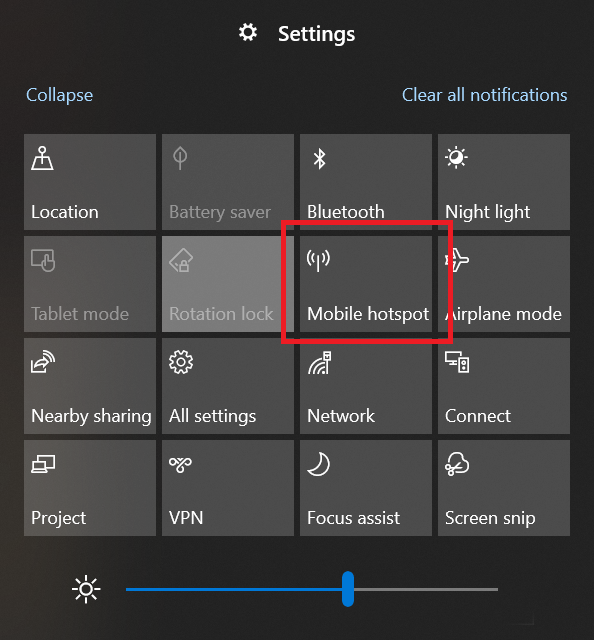
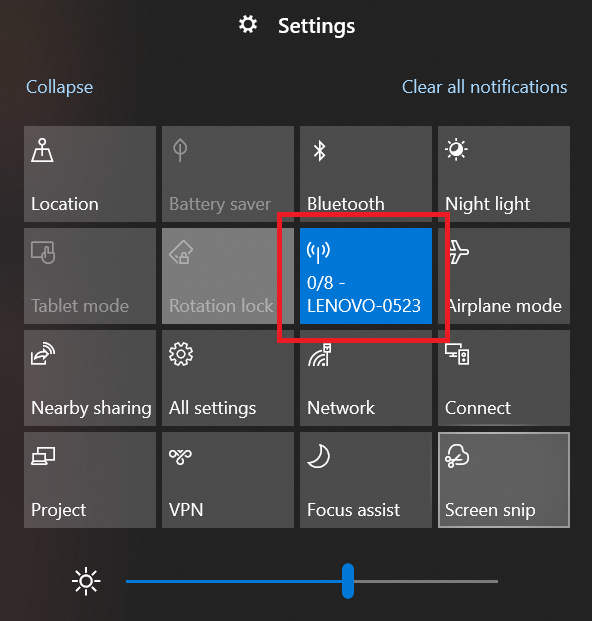
- How to connect to internet/Wi-Fi
- Sign into computer
-
Click on Manage notifications icon in the lower right corner of computer desktop

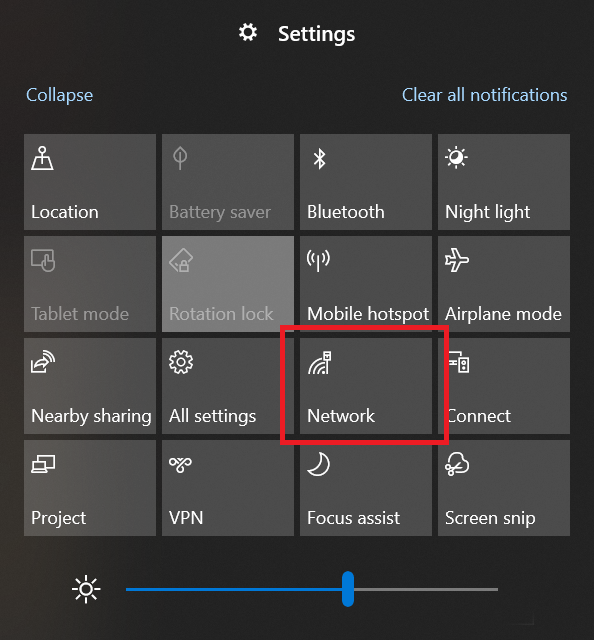
-
- Click the internet/Wi-Fi connection you want to link to
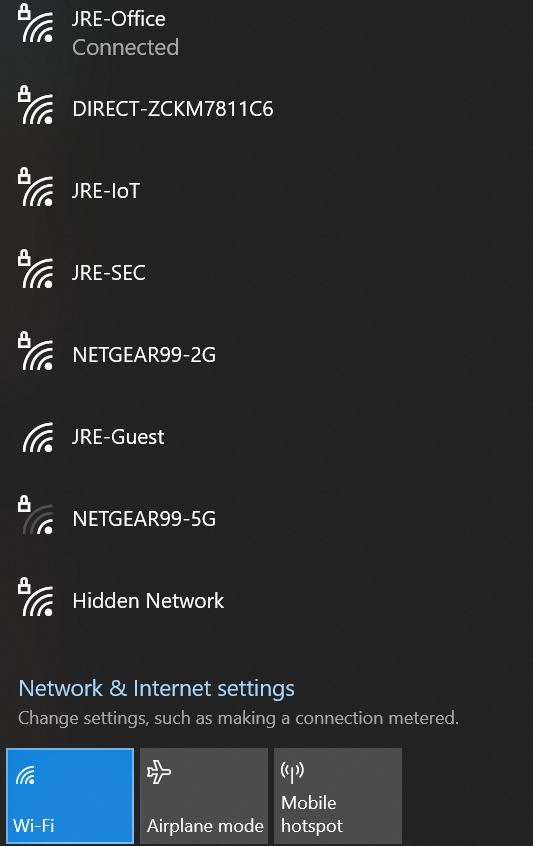
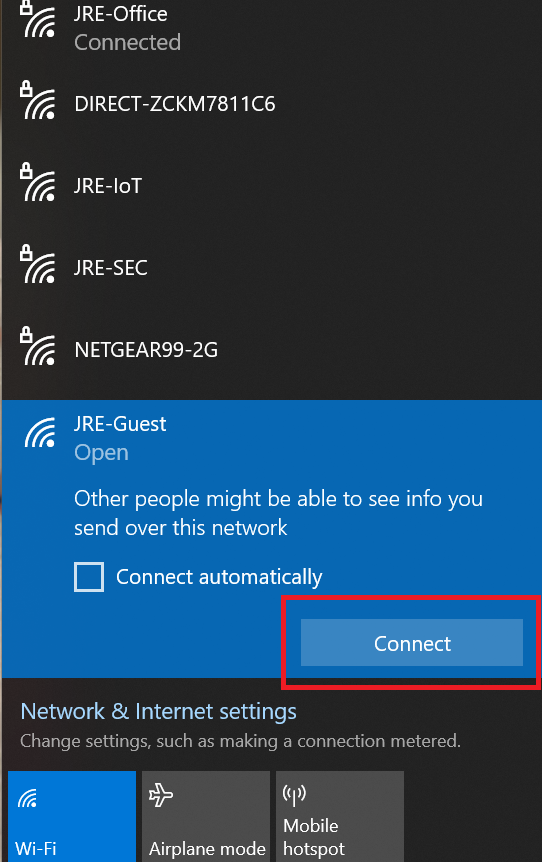
-
- System will display when you are connected